Whatever you do here, you do everywhere.
Whatever you do here, you do everywhere.
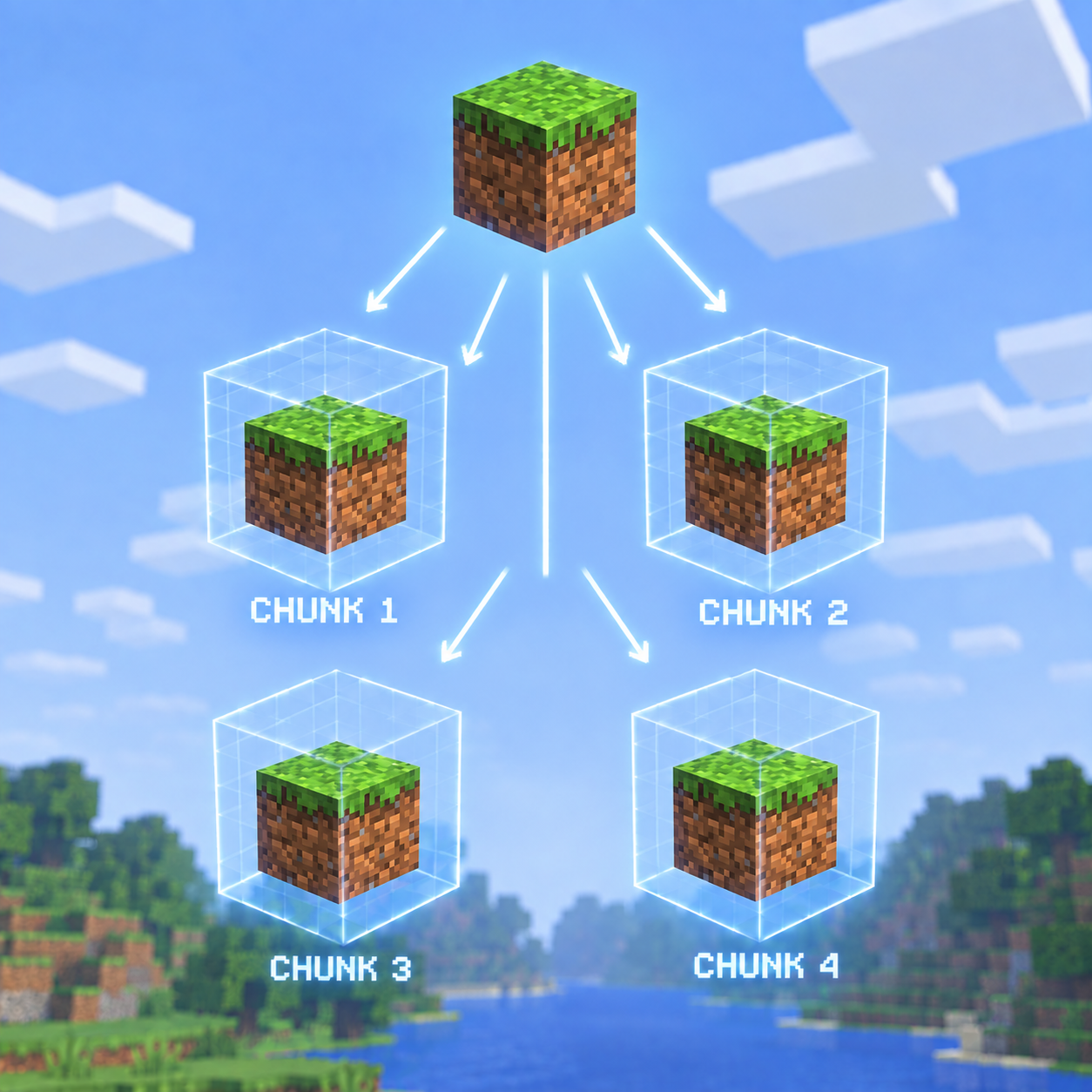
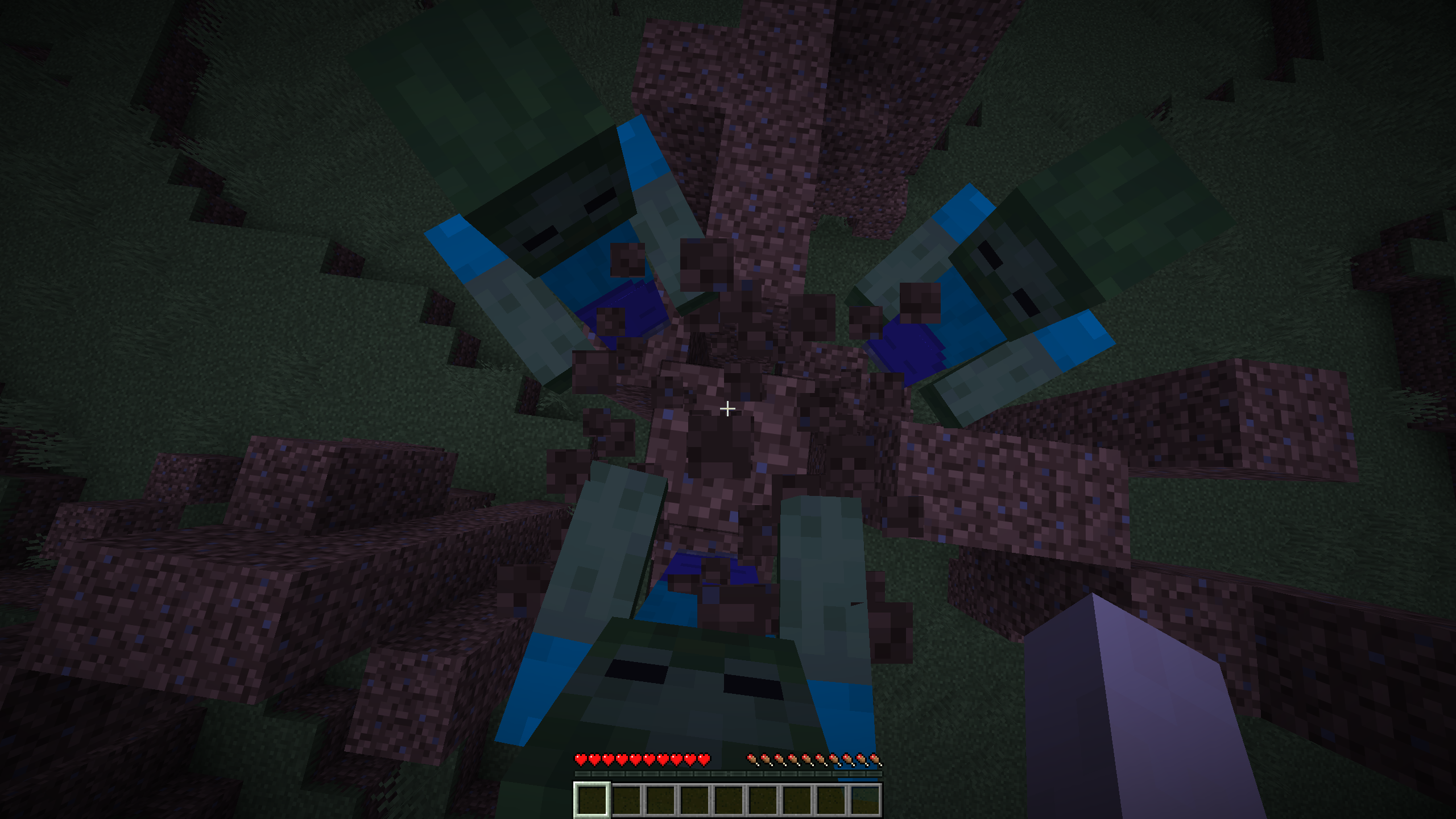
Break one block and that block is gone from the same spot in every chunk in the world. Place one and it appears in every chunk. Walk a thousand blocks and it is still there, in every chunk you have never been to, waiting.
For Minecraft 26.2 (Fabric).
copycat-1.0.0.jar and Fabric API in your mods
folder:
%appdata%\.minecraft\mods~/Library/Application Support/minecraft/mods~/.minecraft/modsOnly the server needs it. Vanilla clients can connect and play normally.
Works on an existing world. The world stays exactly as it is until somebody touches it.
Every chunk is 16 by 16 blocks. When you change a block, the mod remembers where inside a chunk you changed it — which of the 256 columns, and at what height — and applies that same change to that same spot in every other chunk.
So if you dig out the block at the north-west corner of a chunk at y=64, then every chunk in the world now has a hole at its north-west corner at y=64. Fly out to unexplored land and the brand new chunks generating under you already have it.
The pattern is saved with your world. Log out, come back, it is all still there.
Breaking counts as much as placing. A hole is copied just as faithfully as a wall, which is what makes digging a staircase down through the world such a strange thing to do.
Anything unbreakable stays put. Bedrock, barriers, the end portal and end portal frames are never replaced by a copy and never removed by one. If you break a block at a spot where some other chunk has bedrock, that chunk keeps its bedrock.
That also means the bottom of the world stays solid however much you dig, and a stronghold's portal still works.
clear is the closest thing to an undo. It stops the pattern spreading to new chunks, but it does
not take back the copies already made.
A file appears at config/copycat.json the first time you run the mod.
If you already had an older version installed, the file updates itself on next launch and says so in the log -- specifically the pattern limit and block entity copying, both of which were large enough in earlier builds to bring a server down on their own.
The pattern is per dimension by default, so the nether and the end each keep their own.
Copying happens once a second, in batches, and this is the whole reason the mod is playable. Breaking a block has to reach every chunk you can see -- about four hundred and forty of them at a view distance of ten. Done one edit at a time, that is four hundred and forty separate block changes, and every one forces your client to rebuild that chunk's render mesh. Mining at any normal speed then asks for a couple of thousand mesh rebuilds a second, which is a slideshow.
So recording an edit now costs nothing at all, and once a second every chunk that has fallen behind is brought up to date in one go. Minecraft gathers all the changes made to a section in a single tick into one packet, so a chunk that is a hundred edits behind costs one rebuild rather than a hundred. Mine a hundred blocks and your client pays roughly what it would have paid for one.
Each chunk remembers what it has already got, so an ordinary edit costs one block per chunk rather than a full rebuild, and a chunk that is already up to date costs nothing at all.
A chunk that needs a full rebuild is spread over as many ticks as it takes. This matters more than it sounds: an earlier version required a whole rebuild to fit inside a single tick's budget, so a pattern larger than that budget could never be applied at all -- the queue grew forever and the server ground to a halt. Work now always makes progress.
Copies do not trigger block updates. Replicated sand does not fall and replicated redstone does not fire until something touches it. Cascading physics through every chunk in the world at once is precisely the lag this avoids.
It only reacts to players. Creeper craters, water erosion, endermen picking up blocks and falling gravel are not copied — only what a player places or breaks by hand.

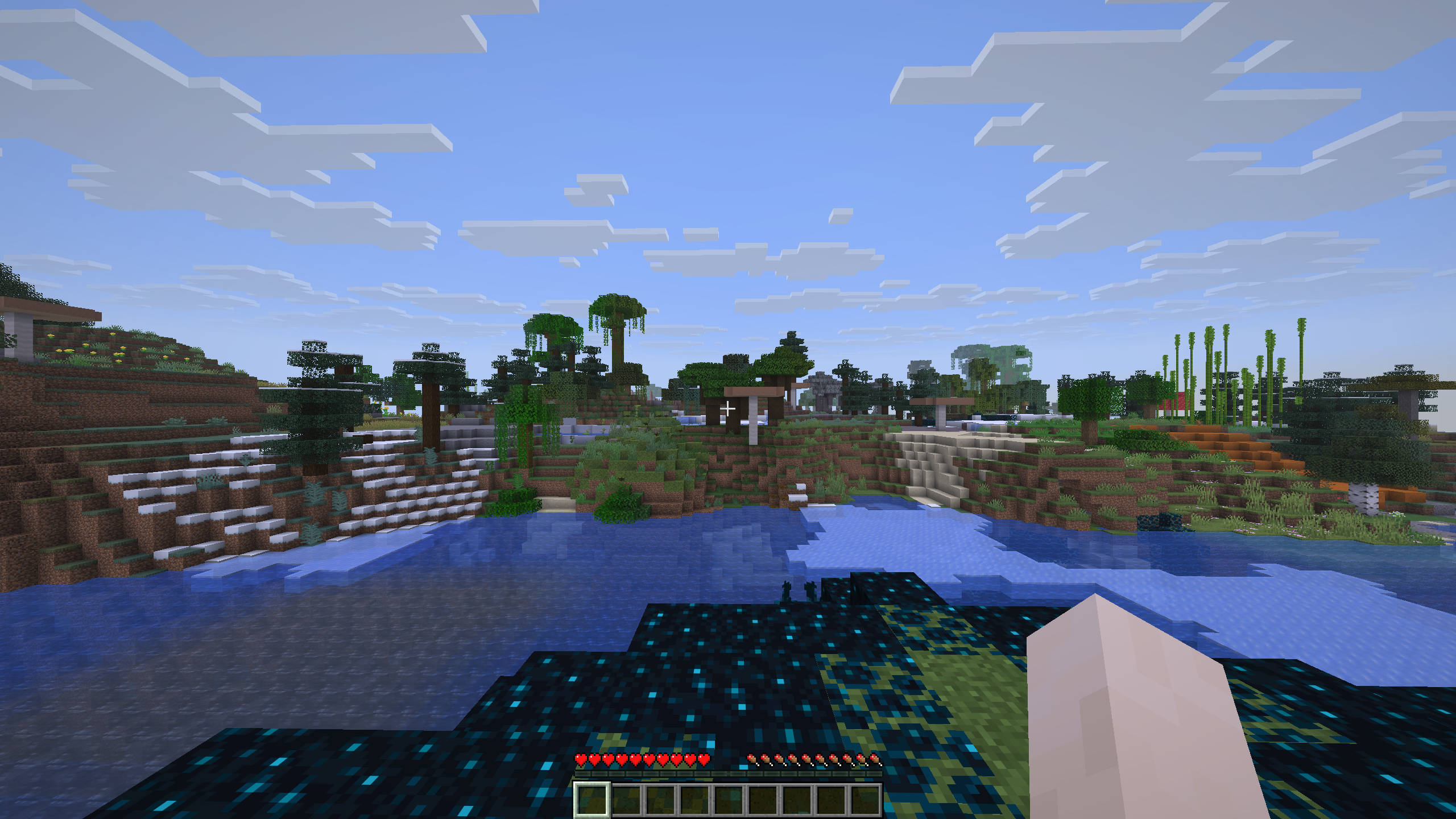
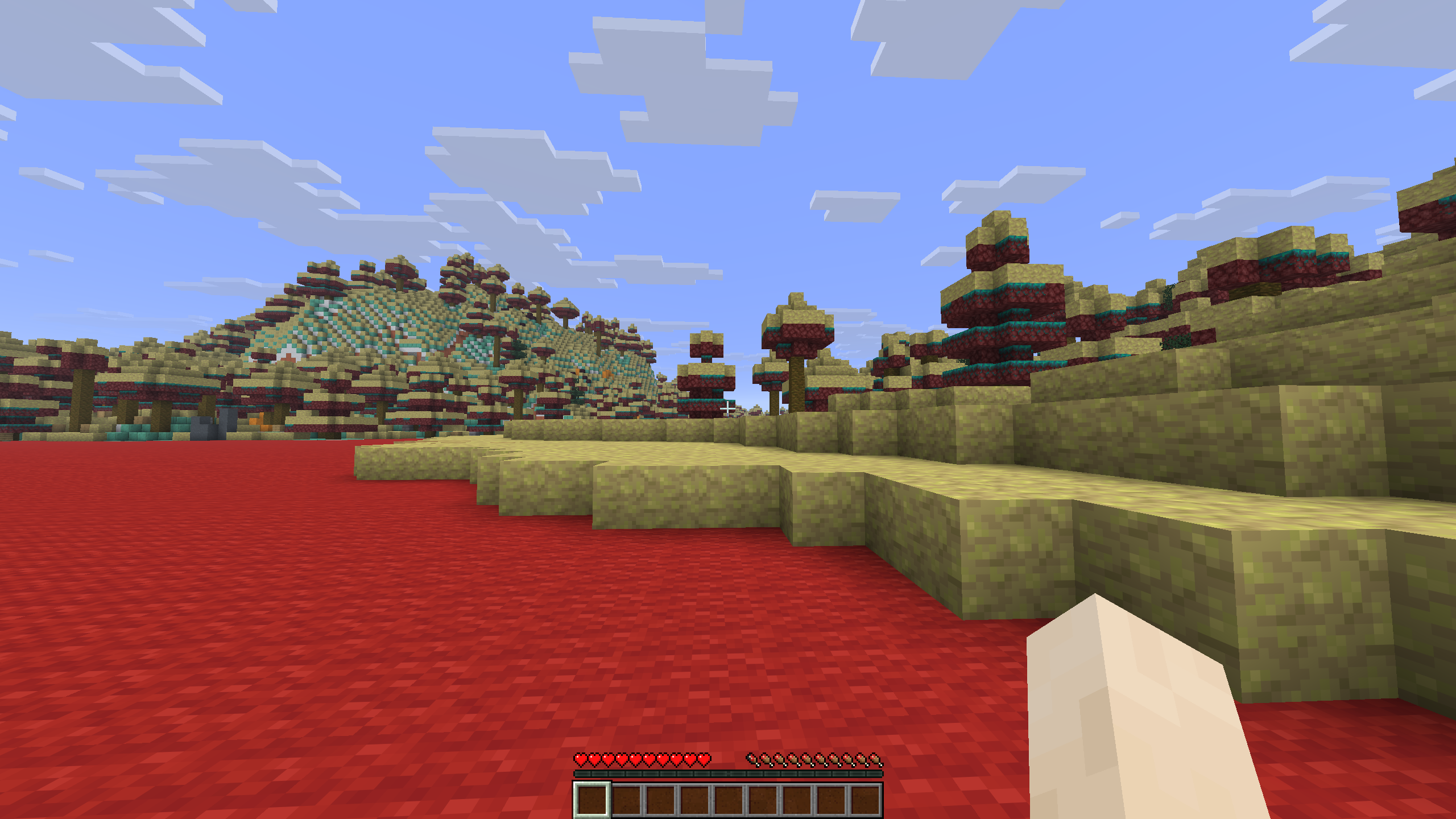
Every chunk is a different biome.
| Command | Who can use it |
|---|
/copycat | Anyone. Shows the pattern size and how many chunks are still catching up |
/copycat clear | Operators. Empties the pattern. Chunks already stamped keep what they have |
/copycat on and /copycat off | Operators. Toggles copying |
/copycat reload | Operators. Re-reads the config file |
| Setting | Default | What it does |
|---|
enabled | true | Turn copying off. Copies already made stay made |
acrossDimensions | false | Copy overworld edits into the nether and the end as well. Off by default, because a hole dug in the overworld appearing in the nether roof is rarely what anyone wanted |
applyIntervalTicks | 20 | The important one. Ticks between catch-up passes. Copying is expensive because of how many times blocks change, not how many change |
copyRadiusChunks | 0 | How far out to copy, in chunks. 0 follows the view distance. The other performance knob |
maxPattern | 1024 | How many positions the pattern may hold. Every entry has to be written into every chunk, so this multiplies out fast. Hard-capped at 4096 |
blocksPerPass | 16384 | Ceiling on the block changes a single pass may make |
copyBlockEntities | false | Copy chests, furnaces, signs and spawners. Off by default: one placed chest becomes several hundred real, ticking chests, and a handful will bring a server down on its own |
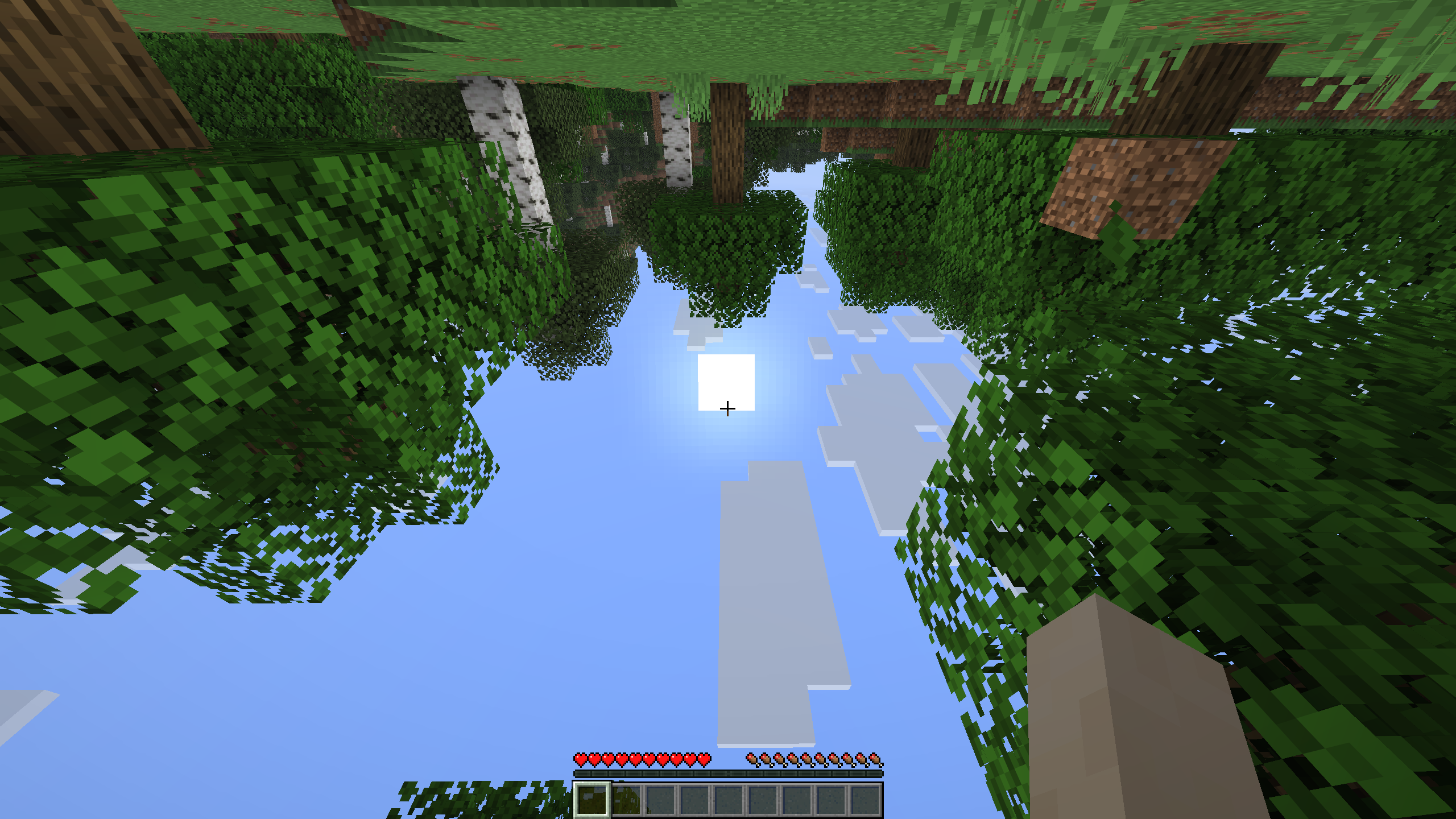
The world generates upside down.
Walls are a suggestion.
Make a world and nothing is what it looks like.
Comments